


Bring your model.
Import GLB, OBJ, FBX or STEP files directly into the browser.
A Product Notion partnership
Meet Neexis. A browser-based AI rendering studio that brings your 3D models into focus.
Through our partnership with Neexis, the Product Notion community gets 20% off a new way to visualize and present their work.

01 / The partnership
The curves, textures and details that make a product worth noticing deserve a clear presentation. Our collaboration with Neexis connects our love of thoughtful design with a tool for exploring visual directions and bringing your work to an audience.
02 / Model to render
Start with your 3D model, then shape its presence with materials, lighting and setting.

03 / Materials & atmosphere
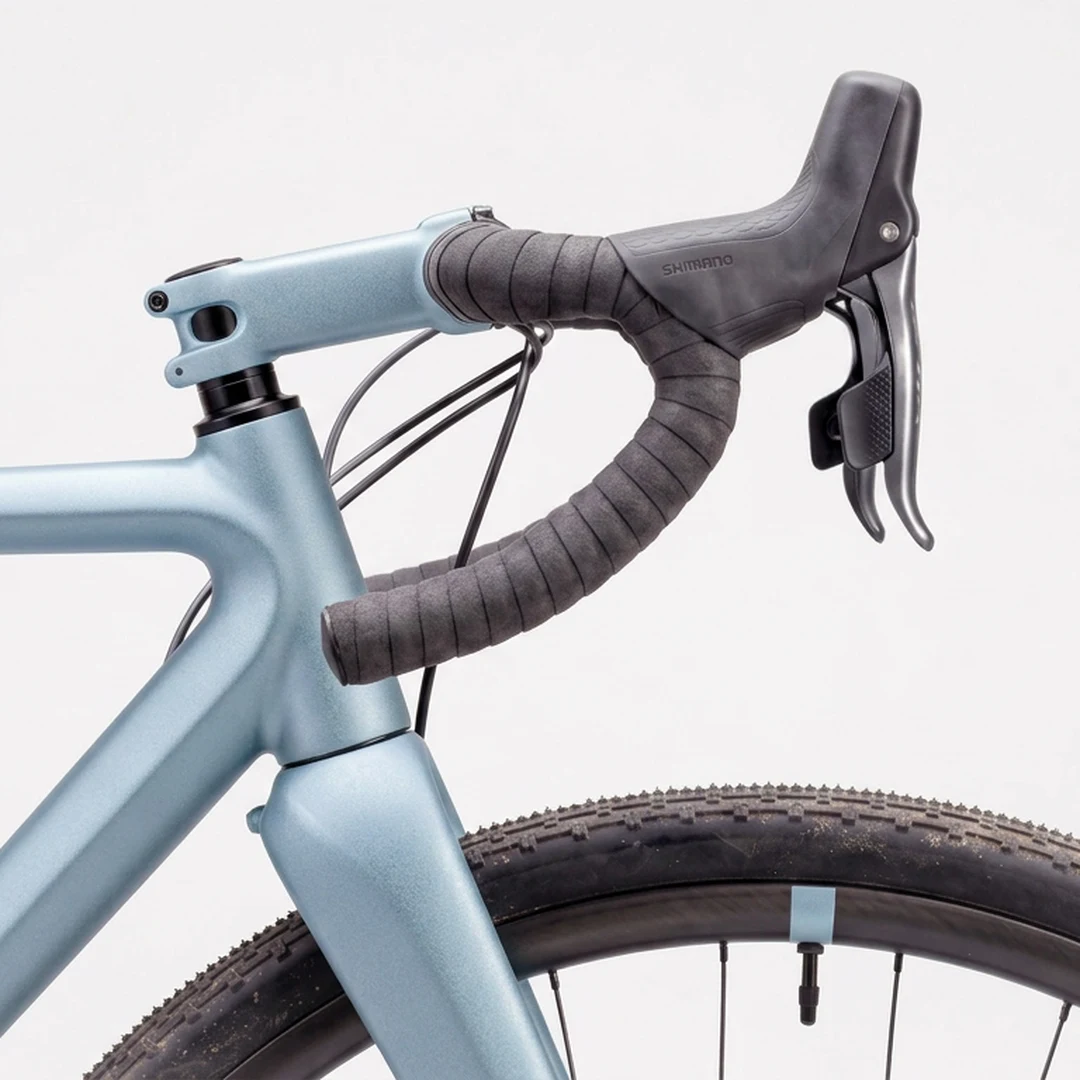
Use a reference image or a prompt to create materials.

Create backgrounds and lighting with AI-assisted scene direction.

Guide colour and mood with a photographic reference.
04 / Prompt examples
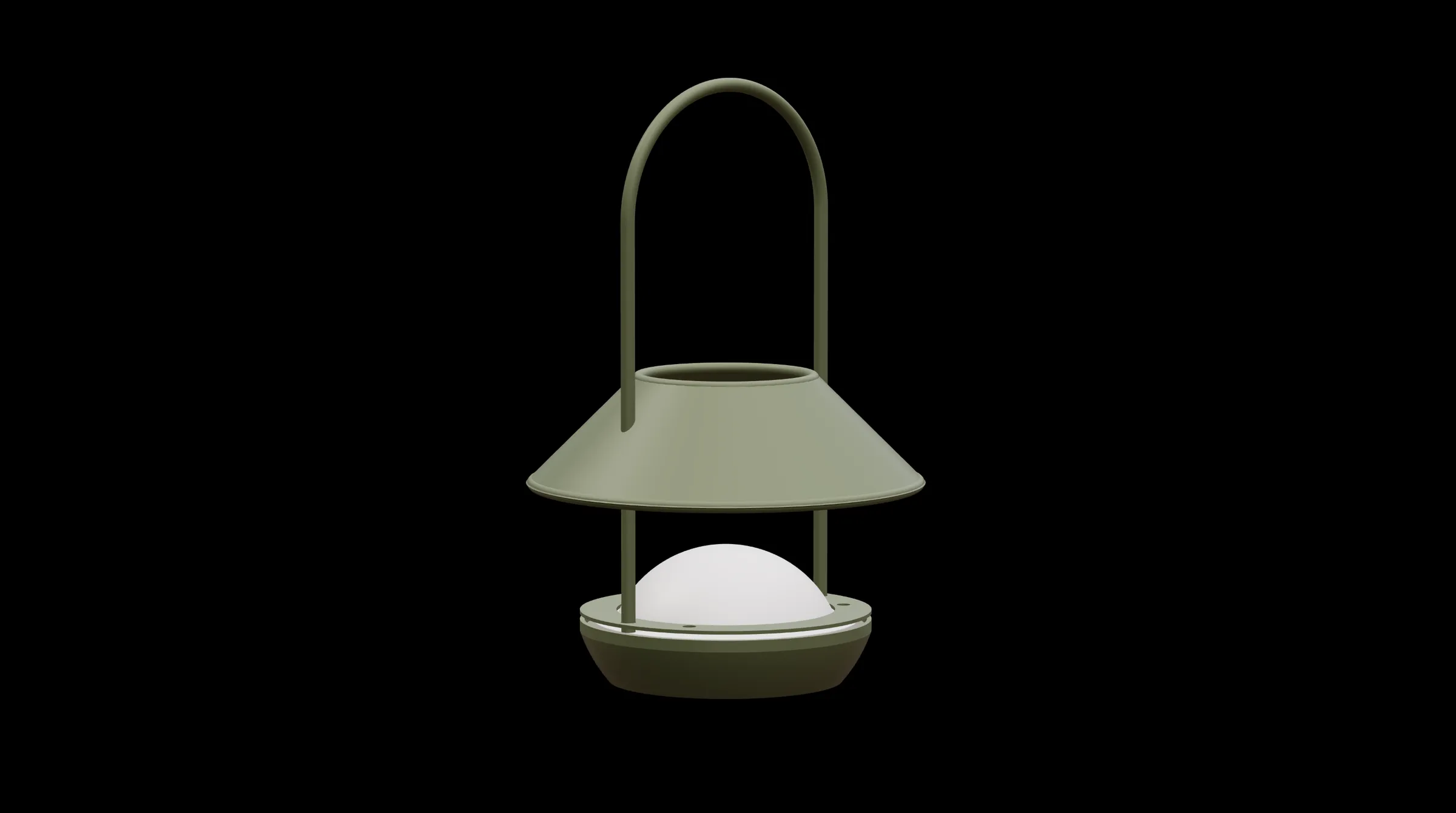
Explore sample prompts and visual directions for the Candela lamp.
05 / How it works
Import GLB, OBJ, FBX or STEP files directly into the browser.


Explore materials, camera angles and environments. Choose a direction that serves the product.
Export visuals for your presentation, portfolio or campaign. Available output options depend on your plan.
06 / Render gallery
Iratxe Goñi · Design by Manex Bilbao

Iori Honte
Aria Nasser
Images and project credits courtesy of Neexis Render.
07 / Workflow film
A closer look at the journey from a model to a finished visual.
08 / Use cases
Build a visual conversation around your idea. Compare directions and make the details easier to discuss.
Give a client, a collaborator or your audience a clear way into the design. Let the image open the discussion.
Create a visual direction for your product story, from the portfolio page to the social feed.
09 / Your partner offer
Our collaboration with Neexis brings the Product Notion community 20% off. Take the code with you and discover what your next product could look like.
PNNEEXIS20Enter the code at checkout and confirm your discount before paying. Eligible plans and final offer terms are confirmed by Neexis.
Keep it ready for checkout.
Explore Neexis and choose the plan that fits your work.
Apply the code and verify the total before completing your purchase.
Product Notion and Neexis are working together to introduce the platform to our design community, with a partner offer for our audience.
Neexis is an AI-assisted 3D rendering studio that runs in your browser.
No desktop installation is required. Rendering runs in the cloud.
Copy the partner code, follow the link on this page and apply the code at checkout. Make sure the discount appears in your order total before you pay.
Review the current plans on Neexis and match the output options and usage allowance to your work. Confirm offer eligibility there before purchasing.
Your purchase and account are managed by Neexis. Contact their team for billing, technical support and the final terms of the offer.